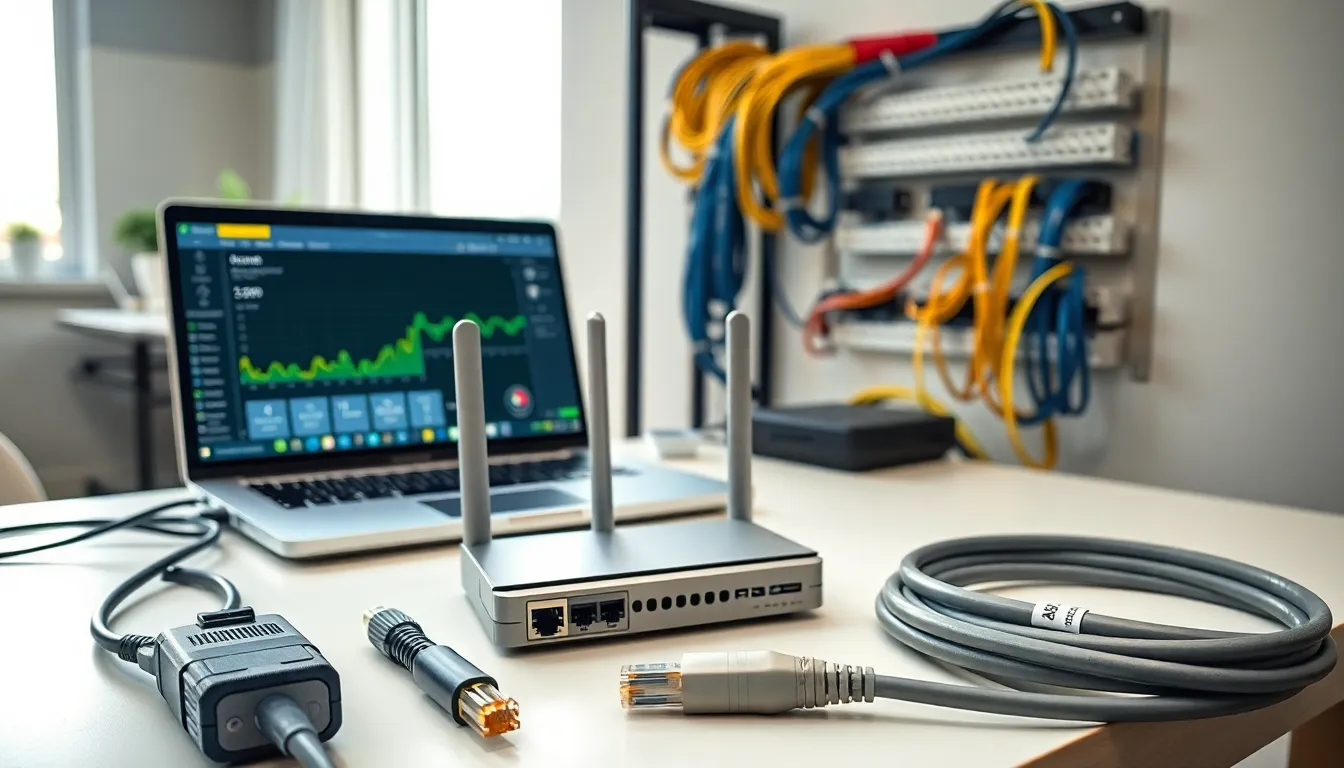

Home networking tools make the difference between a frustrating internet experience and a seamless one. Whether someone is troubleshooting a slow connection or setting up a new router, the right equipment saves time and prevents headaches. Modern households rely on stable networks for work, streaming, gaming, and smart home devices. This guide covers the essential home networking tools every user should consider. From diagnostic software to cable management gear, these tools help maintain fast, secure, and reliable connections throughout any home.
Table of Contents
ToggleKey Takeaways
- Home networking tools range from diagnostic software to physical cable management gear, all designed to maintain fast, secure, and reliable connections.
- Wi-Fi analyzers and speed testing apps help identify connection issues like slow speeds, channel congestion, and ISP performance problems.
- Ethernet cable testers and crimping tools allow users to create custom-length cables and verify wired connections work correctly.
- Router management apps and network mapping software provide visibility into connected devices and enable easy optimization from your smartphone.
- Security-focused home networking tools like vulnerability scanners and VPN software protect your network from hackers and privacy threats.
- Switching DNS servers and keeping router firmware updated are simple steps that often improve both speed and security.
Network Diagnostic and Testing Tools
Network diagnostic tools help users identify connection problems quickly. These home networking tools pinpoint issues like slow speeds, packet loss, and latency spikes.
Network Analyzers
A good network analyzer shows real-time data about network performance. Tools like Wireshark capture and analyze packets moving through a network. Users can spot bottlenecks, identify bandwidth hogs, and detect unusual traffic patterns. For most home users, simpler options like GlassWire provide visual representations of network activity without the steep learning curve.
Speed Testing Applications
Speed tests verify that an internet service provider delivers promised speeds. Speedtest by Ookla and Fast.com are popular free options. Running tests at different times reveals patterns, maybe speeds drop during peak evening hours. This information helps users decide if they need to upgrade their plan or switch providers.
Wi-Fi Signal Analyzers
Wi-Fi analyzers scan wireless networks and display signal strength across different areas. They also show which channels neighboring networks use. Apps like NetSpot (for desktop) or WiFi Analyzer (for Android) help users find the best channel for their router. Switching to a less crowded channel often improves connection quality significantly.
Ping and Traceroute Utilities
Ping tests check if a device can reach a specific server and measure response time. Traceroute shows the path data takes to reach its destination. Both tools come built into Windows, Mac, and Linux systems. They’re invaluable for determining whether a problem exists within the home network or somewhere along the route to a website.
Cable Management and Installation Tools
Physical infrastructure matters just as much as software. These home networking tools ensure clean installations and reliable wired connections.
Ethernet Cable Testers
A cable tester verifies that Ethernet cables work correctly. It checks for proper wiring, shorts, and broken connections. Models like the Klein Tools VDV526 test multiple cable types and identify which specific wire has a fault. For anyone running cables through walls, a tester prevents the frustration of finishing an installation only to discover a faulty cable.
Crimping Tools and Connectors
Crimping tools attach RJ45 connectors to Ethernet cables. This allows users to create custom-length cables that fit their specific needs. A quality crimper like the TRENDnet TC-CT68 produces consistent, reliable connections. Buying bulk cable and making custom lengths costs less than purchasing pre-made cables, especially for larger installations.
Punch-Down Tools
Punch-down tools connect cables to patch panels and wall jacks. They push wires into the proper slots and trim excess length in one motion. Anyone installing a structured wiring system needs this tool. Impact-style punch-down tools provide more consistent results than manual versions.
Cable Organizers and Labels
Velcro straps, cable ties, and raceways keep wiring organized and accessible. Labeling each cable at both ends saves hours when troubleshooting later. A label maker or simple masking tape works well. Organized cables also improve airflow around networking equipment, which helps prevent overheating.
Hardware Monitoring and Configuration Software
Software-based home networking tools provide visibility into how devices perform and allow users to optimize settings.
Router Management Apps
Most modern routers include companion apps for smartphones. These apps display connected devices, allow parental controls, and enable firmware updates. The ASUS Router app, TP-Link Tether, and Netgear Nighthawk app all offer user-friendly interfaces. Users can check network status, prioritize certain devices, and receive alerts about new connections, all from their phone.
Network Mapping Tools
Network mapping software creates visual diagrams of all connected devices. Fing is a popular option that identifies device types, manufacturers, and IP addresses. This helps users spot unauthorized devices and understand their network layout. Knowing exactly what’s connected is the first step toward better network management.
Bandwidth Monitoring Software
Bandwidth monitors track how much data each device uses over time. PRTG Network Monitor (free for up to 100 sensors) and ntopng provide detailed usage statistics. These home networking tools help identify which devices or applications consume the most bandwidth. That gaming console downloading updates at 3 AM? Now users can see it.
Firmware Update Managers
Keeping router firmware updated improves performance and security. Some routers update automatically, but others require manual checks. Users should visit their router manufacturer’s website monthly or enable automatic updates when available. Outdated firmware often contains security vulnerabilities that hackers exploit.
Security and Troubleshooting Utilities
Protecting a home network requires specific home networking tools designed for security and problem-solving.
Network Vulnerability Scanners
Vulnerability scanners check networks for security weaknesses. Nmap scans ports and identifies potentially vulnerable services. Bitdefender Home Scanner specifically targets home networks, checking for weak passwords and outdated firmware. Running these scans quarterly helps catch problems before they become serious.
VPN Software
Virtual Private Networks encrypt internet traffic and protect privacy. Options like NordVPN, ExpressVPN, and ProtonVPN work on individual devices or at the router level. Router-level VPN configuration protects every device on the network automatically. This is especially useful for smart home devices that can’t run VPN software directly.
DNS Testing and Configuration Tools
DNS issues cause many connection problems that look like internet outages. Tools like DNS Benchmark test different DNS servers and find the fastest options. Switching from an ISP’s default DNS to services like Cloudflare (1.1.1.1) or Google (8.8.8.8) often improves speed and reliability.
Log Analysis Tools
Router logs contain valuable troubleshooting information. Most routers store logs that show connection attempts, errors, and device activity. Learning to read these logs helps identify recurring problems. Some home networking tools like Graylog can aggregate and analyze logs from multiple devices for those who want deeper insights.