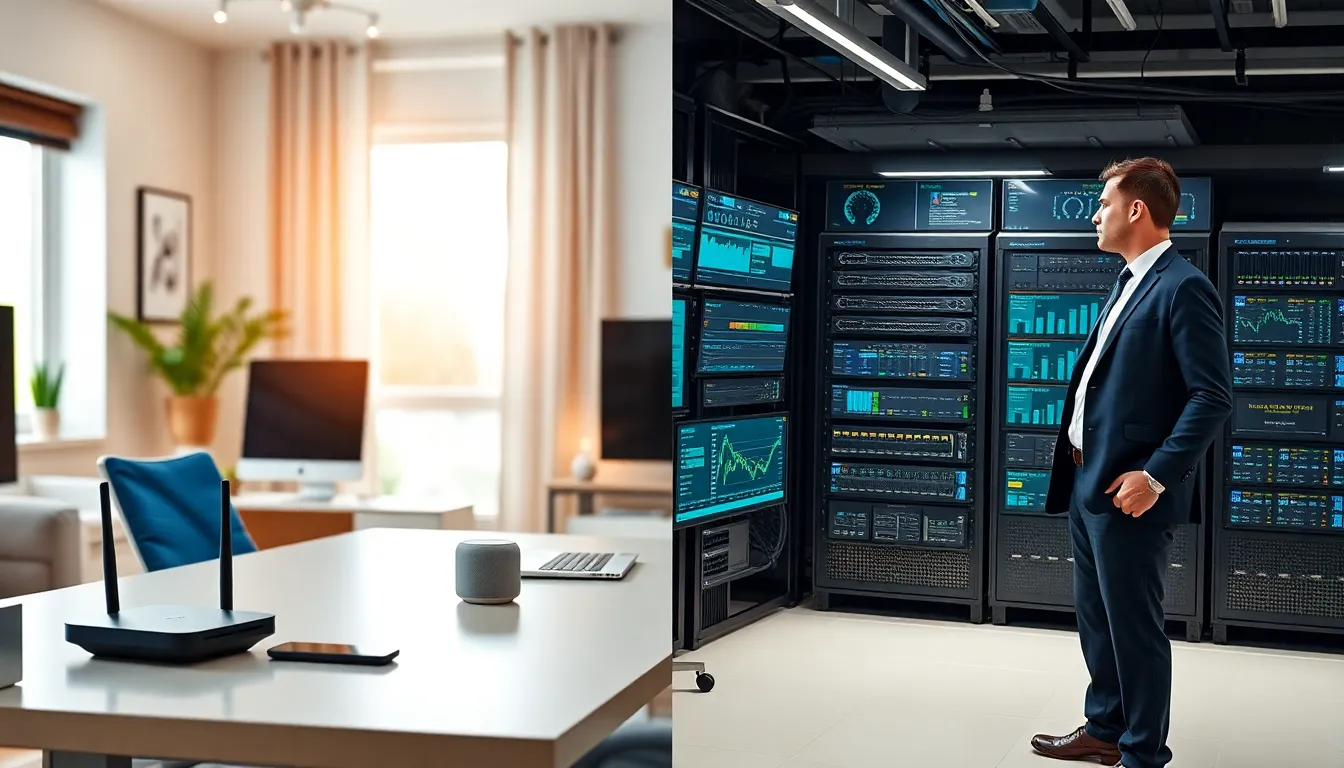

Home networking vs. professional networking, which setup fits your needs? The answer depends on scale, security requirements, and budget. A home network connects personal devices like laptops, smartphones, and smart TVs within a residence. A professional network supports entire organizations with hundreds or thousands of users. Both systems share fundamental principles, but they differ significantly in complexity, cost, and management. This guide breaks down the core distinctions between home networking and professional networking. Readers will learn what defines each type, how they compare, and which option makes sense for specific situations.
Table of Contents
ToggleKey Takeaways
- Home networking connects personal devices in a residence using consumer-grade equipment costing $50–$500, while professional networking supports organizations with enterprise infrastructure costing $5,000 or more.
- Choose home networking for under 50 devices in a single location; opt for professional networking when handling sensitive data or requiring 24/7 uptime.
- Professional networks require dedicated IT staff, layered security, and built-in redundancy, whereas home networks are self-managed with basic encryption.
- Small businesses with 5–10 employees can consider prosumer equipment that bridges the gap between home networking and full enterprise solutions.
- Security stakes should drive your decision—streaming and personal use suit home networking, but customer data and compliance needs demand professional-grade protection.
What Is Home Networking?
Home networking connects devices within a residential space to share internet access, files, and resources. Most home networks use a single router provided by an internet service provider (ISP). This router handles Wi-Fi distribution, device connections, and basic security functions.
A typical home network supports 10 to 50 devices. These include smartphones, tablets, laptops, gaming consoles, smart speakers, and IoT devices like thermostats or security cameras. The average U.S. household now has around 22 connected devices, according to recent industry reports.
Common Home Networking Components
- Router: The central hub that distributes internet to all devices
- Modem: Connects the home to the ISP’s network
- Wi-Fi extenders or mesh systems: Expand coverage in larger homes
- Ethernet cables: Provide wired connections for stationary devices
- Network-attached storage (NAS): Optional device for file sharing and backups
Home networking setups prioritize simplicity. Most users configure their network once and rarely make changes. Consumer-grade equipment costs between $50 and $500, depending on speed requirements and coverage needs.
Security on home networks relies on WPA3 encryption, router firewalls, and occasional password updates. While these measures stop casual threats, home networks lack the advanced protections found in professional environments.
What Is Professional Networking?
Professional networking supports business operations at scale. These networks serve offices, data centers, hospitals, universities, and enterprise facilities. A professional network might connect thousands of users across multiple buildings or geographic locations.
Unlike home networking, professional networking requires dedicated IT staff for setup and maintenance. Engineers design these systems with redundancy, meaning backup paths exist if primary connections fail. Downtime costs businesses money, so reliability takes priority.
Key Components of Professional Networks
- Enterprise-grade routers and switches: Handle higher traffic volumes with advanced routing protocols
- Firewalls: Dedicated hardware that inspects and filters network traffic
- Virtual LANs (VLANs): Segment networks to isolate departments or sensitive data
- Access points: Industrial-strength Wi-Fi units for large coverage areas
- Network management software: Monitors performance and alerts administrators to issues
- VPN servers: Enable secure remote access for employees
Professional networking equipment costs significantly more than consumer alternatives. A single enterprise switch might run $2,000 to $20,000. Total infrastructure costs for medium-sized businesses often reach $50,000 or more.
Security in professional networks includes intrusion detection systems, multi-factor authentication, and compliance with regulations like HIPAA or PCI-DSS. IT teams actively monitor for threats and apply patches regularly.
Core Differences Between Home and Professional Networks
Home networking vs. professional networking differences extend beyond just size. Here’s how they compare across critical factors.
Scale and Capacity
Home networks handle light traffic from a handful of users. Professional networks support hundreds or thousands of simultaneous connections. Enterprise equipment processes data at speeds of 10 Gbps or higher, while home routers typically max out at 1 Gbps.
Security Requirements
Home networking relies on basic encryption and consumer firewalls. Professional networking demands layered security, firewalls, intrusion prevention, endpoint protection, and regular audits. Businesses face legal liability if breaches expose customer data.
Management and Maintenance
Homeowners manage their own networks, often with limited technical knowledge. Professional networks require certified IT staff. Network administrators handle configurations, updates, troubleshooting, and performance optimization daily.
Cost
A complete home networking setup costs under $500 for most households. Professional networking investments start at thousands of dollars and can reach millions for large enterprises. Ongoing costs include staff salaries, software licenses, and hardware replacements.
Reliability
Home networks tolerate occasional outages. If the Wi-Fi drops during a movie, users wait a few minutes and restart the router. Professional networks build in redundancy to prevent downtime. Hospitals and financial institutions cannot afford even brief interruptions.
| Feature | Home Networking | Professional Networking |
|---|---|---|
| Typical users | 1–10 | 50–10,000+ |
| Equipment cost | $50–$500 | $5,000–$500,000+ |
| Management | Self-managed | IT staff required |
| Security level | Basic | Enterprise-grade |
| Redundancy | Minimal | Built-in failovers |
How to Choose the Right Network Setup for Your Needs
Choosing between home networking and professional networking depends on several factors. Ask these questions before deciding.
How many devices need connections? If the answer is under 50 devices in a single location, home networking equipment will suffice. Larger numbers or multiple sites require professional-grade solutions.
What are the security stakes? Handling sensitive customer data, medical records, or financial transactions demands professional networking with compliance-ready security. Streaming Netflix and checking email? Home networking works fine.
What’s the budget? Home networking fits budgets under $1,000. Professional networking requires significant investment, not just in hardware, but in ongoing management.
Can downtime be tolerated? Businesses that lose revenue during outages need professional networks with redundancy. Households can usually wait out brief interruptions.
When Home Networking Makes Sense
- Single-family residences
- Small apartments
- Home offices with 1–3 workers
- Personal projects and hobbies
When Professional Networking Is Necessary
- Businesses with 10+ employees
- Organizations handling sensitive data
- Facilities requiring 24/7 uptime
- Multi-building campuses
Some situations fall in between. Small businesses with 5–10 employees might use prosumer equipment, devices that bridge the gap between consumer and enterprise products. These setups cost more than home networking but less than full professional deployments.