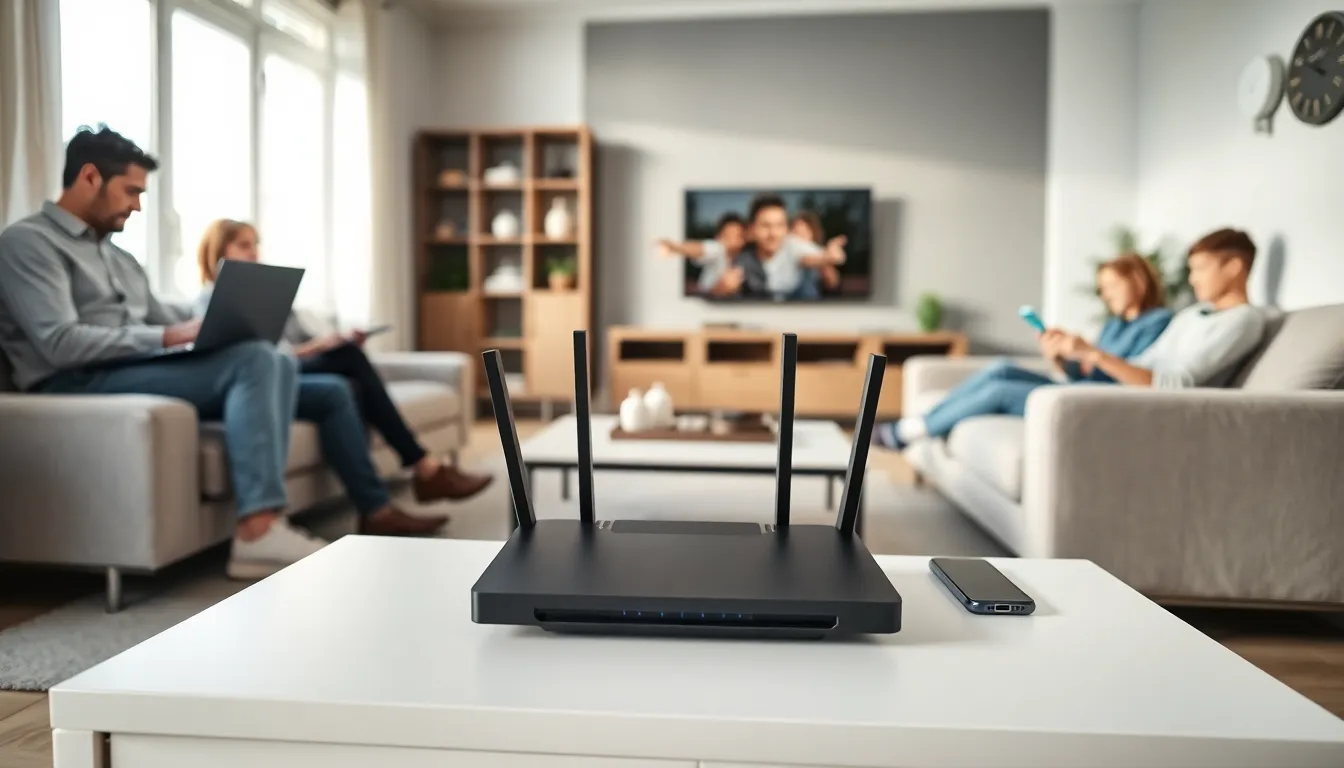

Home networking connects devices throughout a house so they can share data, internet access, and resources. Most households now rely on some form of home network, whether they realize it or not. Every time a smartphone streams music, a laptop prints a document wirelessly, or a smart thermostat adjusts the temperature, a home network makes it happen.
This guide explains what home networking is, how it works, and why it matters. Readers will learn about the key components, the differences between wired and wireless setups, and the practical benefits of a well-designed network. By the end, anyone can understand the basics of connected living and make smarter decisions about their own home network setup.
Table of Contents
ToggleKey Takeaways
- Home networking connects all your devices—smartphones, computers, smart TVs, and more—so they can share data, internet access, and resources throughout your house.
- A modem and router are the essential components of any home network, with the router acting as the central hub that directs traffic between devices.
- Wired (Ethernet) connections offer faster, more reliable speeds, while wireless (Wi-Fi) provides flexibility for mobile devices—most homes benefit from using both.
- A well-designed home network enables resource sharing, letting one printer or storage device serve every family member.
- Smart home devices, remote work, video streaming, and online gaming all depend on a functional home network to operate properly.
- Setting up a home network saves money by allowing multiple devices to share one internet connection and common resources like printers and storage.
Understanding Home Networks and How They Work
A home network is a system that links computers, smartphones, tablets, printers, smart TVs, and other devices within a residence. This connection allows devices to communicate with each other and access the internet through a shared connection.
Home networking works through a simple process. An internet service provider (ISP) delivers an internet connection to the home. A modem receives this signal and converts it into data that devices can use. A router then distributes this data to connected devices, either through cables or wireless signals.
The router acts as the central hub of any home network. It assigns unique addresses to each device, manages traffic between them, and controls which devices can access the internet. Think of it like a traffic controller directing cars at a busy intersection.
Most modern home networks use Internet Protocol (IP) addresses to identify devices. When someone sends a print job from their laptop, the router knows exactly which printer should receive it. This addressing system keeps everything organized and prevents data from going to the wrong place.
Home networking also enables local file sharing. A family can store photos on one computer and access them from any device on the network. This happens without using the internet at all, the data travels directly between devices through the local network.
Essential Components of a Home Network
Building a functional home network requires several key pieces of equipment. Understanding each component helps users make informed purchasing decisions and troubleshoot problems effectively.
Modem
The modem connects the home to the ISP. It translates the incoming signal (cable, fiber, or DSL) into a format that home devices can understand. Without a modem, there’s no internet access. Some ISPs provide modems as part of their service, while others require customers to purchase their own.
Router
The router distributes the internet connection to multiple devices. It creates the actual home network and manages all the traffic between devices. Modern routers include built-in security features like firewalls and encryption. Many people use combination modem-router devices, which simplify the setup.
Ethernet Cables
These cables provide wired connections between devices and the router. They deliver faster, more stable speeds than wireless connections. Cat5e and Cat6 cables are common choices for home networking applications.
Wireless Access Points
For larger homes, a single router might not provide adequate wireless coverage. Access points extend the Wi-Fi signal to distant rooms. Mesh network systems have become popular for this purpose, using multiple units that work together seamlessly.
Network Switches
A switch expands the number of available wired ports. If a router has four Ethernet ports but a user needs eight, a switch provides the extra connections. This component is essential for homes with many wired devices.
Network-Attached Storage (NAS)
NAS devices provide centralized storage that any device on the home network can access. They’re useful for backing up files, streaming media, and sharing documents across the household.
Wired vs. Wireless Home Networks
Home networking offers two primary connection methods: wired (Ethernet) and wireless (Wi-Fi). Each approach has distinct advantages and limitations.
Wired Networks
Wired connections use Ethernet cables to link devices directly to the router. This method provides the fastest and most reliable speeds available. Gamers, video editors, and anyone transferring large files often prefer wired connections.
The main advantages include:
- Consistent speeds without interference
- Lower latency for gaming and video calls
- More secure than wireless (physical access required)
- No signal degradation from walls or distance
The downsides? Cables create clutter and limit device placement. Running Ethernet through walls requires installation work. Mobile devices like phones and tablets can’t use wired connections easily.
Wireless Networks
Wireless home networking uses radio signals to connect devices. Modern Wi-Fi standards (Wi-Fi 6 and Wi-Fi 6E) offer impressive speeds that satisfy most users’ needs.
Wireless benefits include:
- Freedom to move devices anywhere within range
- Easy connection for smartphones, tablets, and laptops
- No cable installation required
- Support for smart home devices
But, wireless signals weaken as they pass through walls and floors. Interference from neighboring networks, microwaves, and other electronics can slow connections. Security requires proper configuration to prevent unauthorized access.
The Hybrid Approach
Most households use both methods. Stationary devices like desktop computers, gaming consoles, and smart TVs connect via Ethernet. Mobile devices use Wi-Fi. This hybrid approach to home networking maximizes both convenience and performance.
Benefits of Setting Up a Home Network
A well-configured home network delivers practical advantages that improve daily life. Here’s what users gain from investing time in their setup.
Shared Internet Access
One internet subscription serves every device in the house. Without home networking, each device would need its own connection, an expensive and impractical arrangement. A family of four might have 15+ devices sharing a single connection through their network.
Resource Sharing
Printers, scanners, and storage drives become available to everyone on the network. Instead of buying a printer for each room, one quality printer serves the whole household. Files stored on a NAS can be accessed from any computer or mobile device.
Entertainment Streaming
Home networking powers modern entertainment. Smart TVs stream content from the internet. Media servers distribute movies and music to any room. Gaming consoles play online with friends. None of this works without a functional network.
Smart Home Integration
Smart thermostats, security cameras, voice assistants, and automated lighting all depend on home networking. These devices communicate through the network to provide convenience and energy savings. The average smart home contains dozens of connected devices.
Remote Work and Learning
Video conferencing, cloud applications, and online learning platforms require reliable network connections. A strong home network supports multiple family members working and studying simultaneously without slowdowns.
Cost Savings
Sharing resources reduces expenses. One high-speed internet plan, one quality printer, one storage solution, these shared investments cost less than equipping each family member individually. Home networking makes efficient use of technology purchases.